
Getting started
Watch this quick video to set up your GRO account in 10 minutes or less. Start growing your traffic, capturing emails & making more money today! 💸
Customize your default keywords + DMs.
Login to GRO.
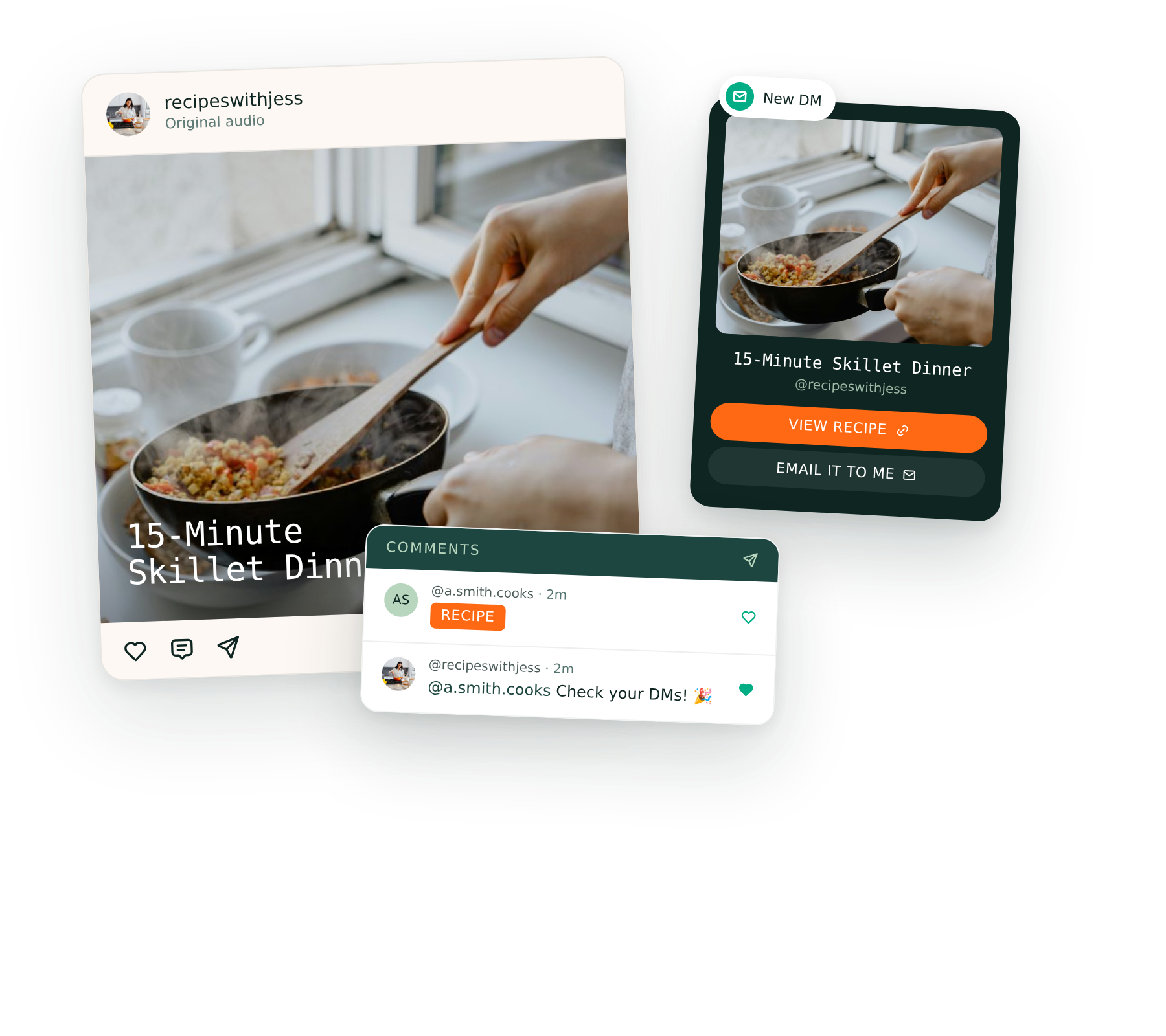
Click on Comment for DM: Posts & Reels.
Add a keyword under ‘Default Keywords’. (We recommend using something simple like ‘link’ that applies in any scenario.)
Now, scroll down to ‘Default DM Card Settings’ and click the green button.
Customize your message and button text, and Save.
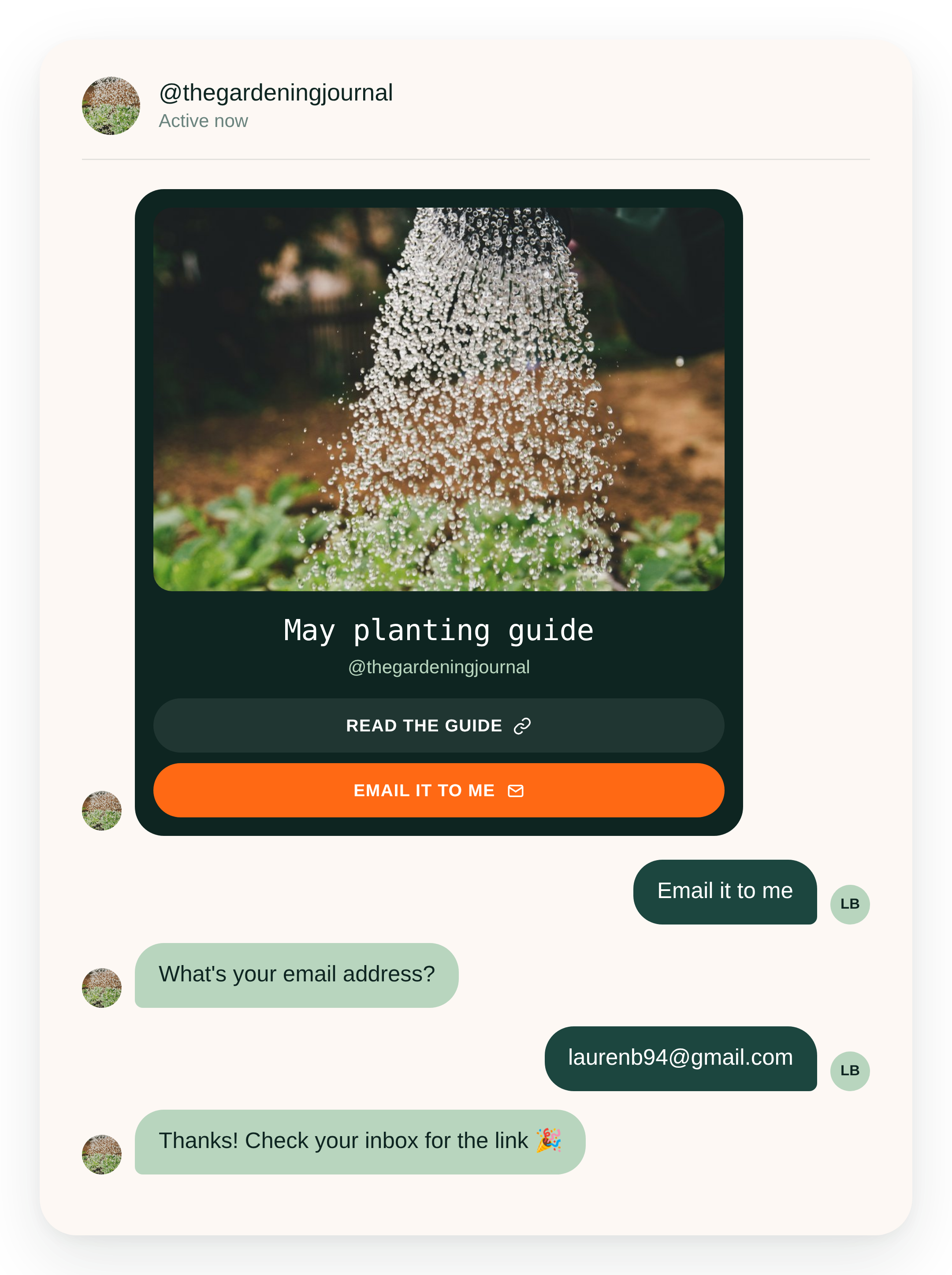
✅ Tip: Make sure the Save to Email button
2. Add your brand colors to Save to Email.
Go to Save to Email.
Preview the email template.
Click ‘Email Settings’ to add your brand colors.
Edit the text under ‘Email Content’ if you want to make any tweaks.
Level 2
Story Reply
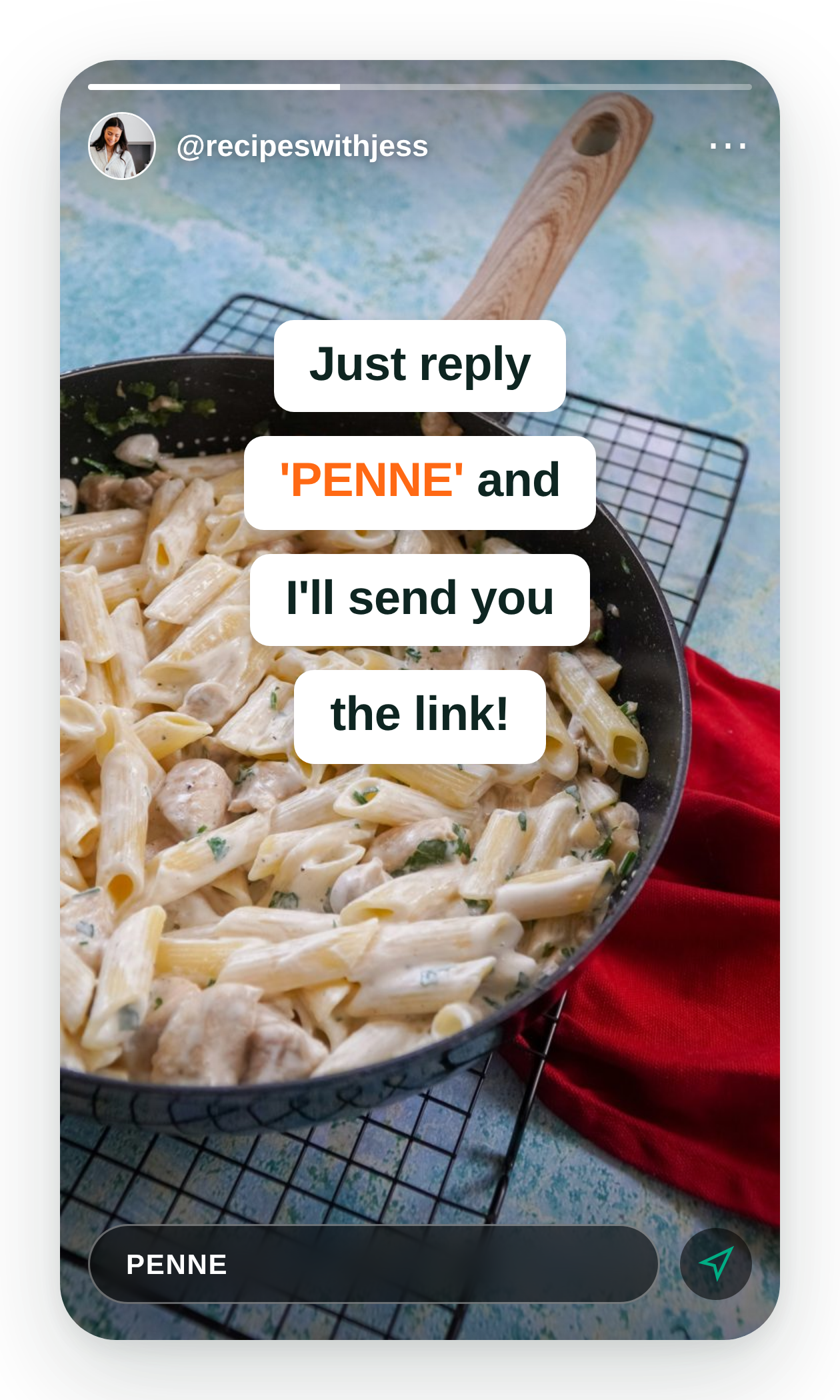
Our automated DMs also work for Stories & Lives. The only difference is you have to add a keyword + link before you post. Go to Comment for DM: Stories & Lives to get started!
Amazon Deep Links
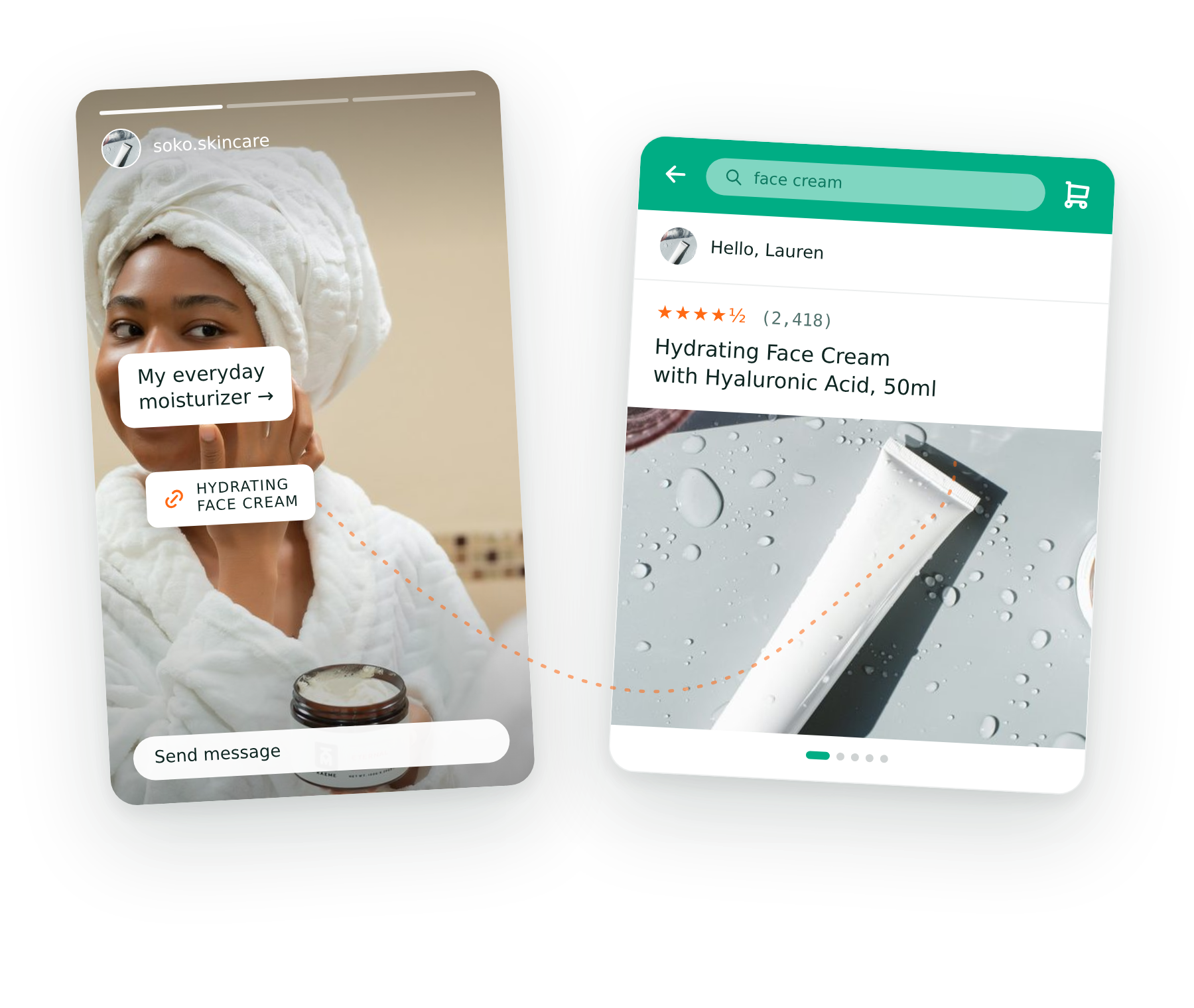
Earn more from your Amazon links by turning them into “deep links” that open directly in the Amazon app. Skip login hassles and improve your conversions. This product is an add-on and starts at $15/mo.
FAQs
-
Yes! We’d be happy to handle that for you on the Pro plan. Just reach out to support@gro.co!
-
Yes! Go to Comment for DM > Posts & Reels. Then, click the ‘Prepare Next Post’ button where you can customize your DM. Your settings will automatically get applied the next time you post.
-
This is an optional feature. Under Comment for DM, you can customize your public facing replies to commenters on your post, and we’ll cycle through them.
-
Go to Comment for DM and click Connect Facebook. Once you’ve connected Facebook, the process works the same as it does for Instagram. Even though links are clickable on Facebook, most creators still find that followers will comment for the link.
-
Yes! Just head on over to Settings to set up those integrations. Only takes a few minutes.